Check-in by QR code
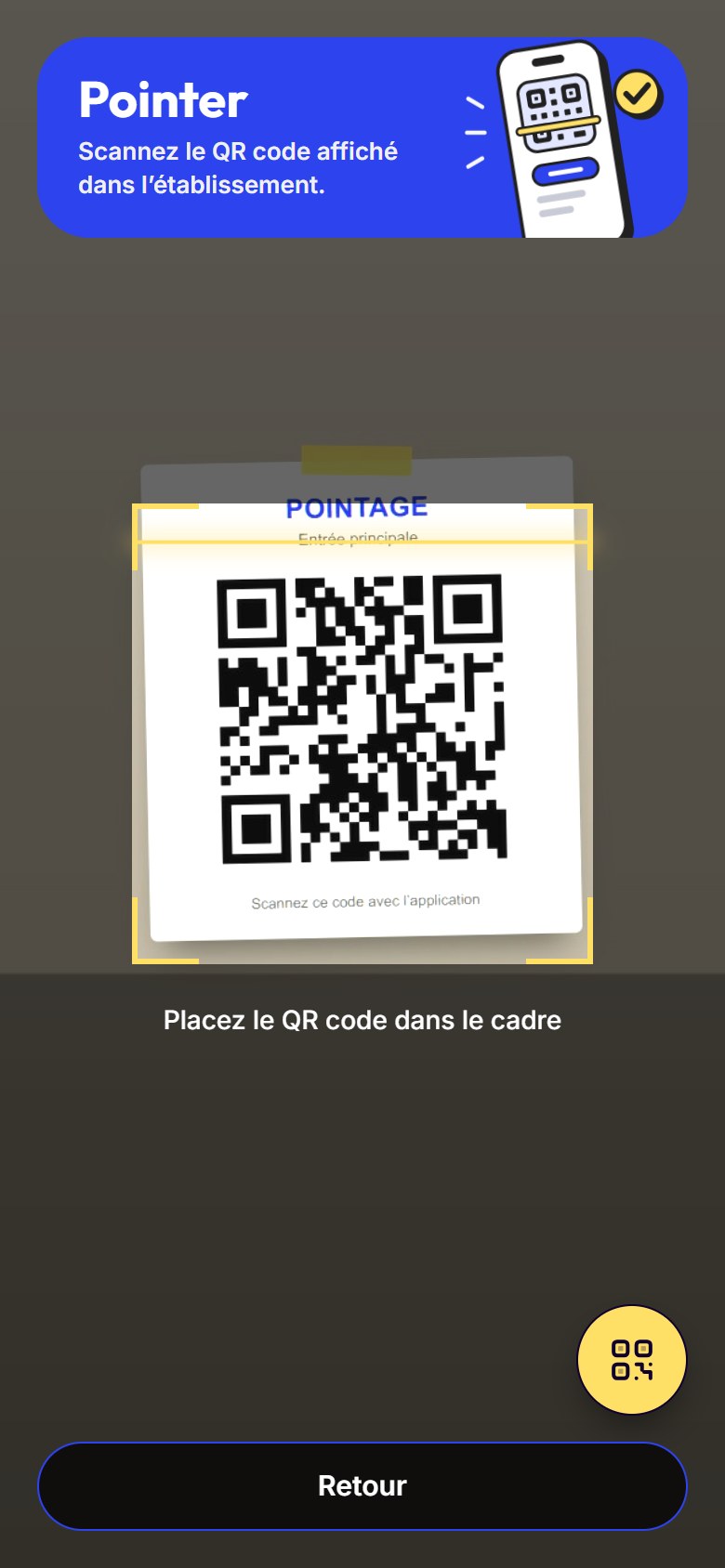
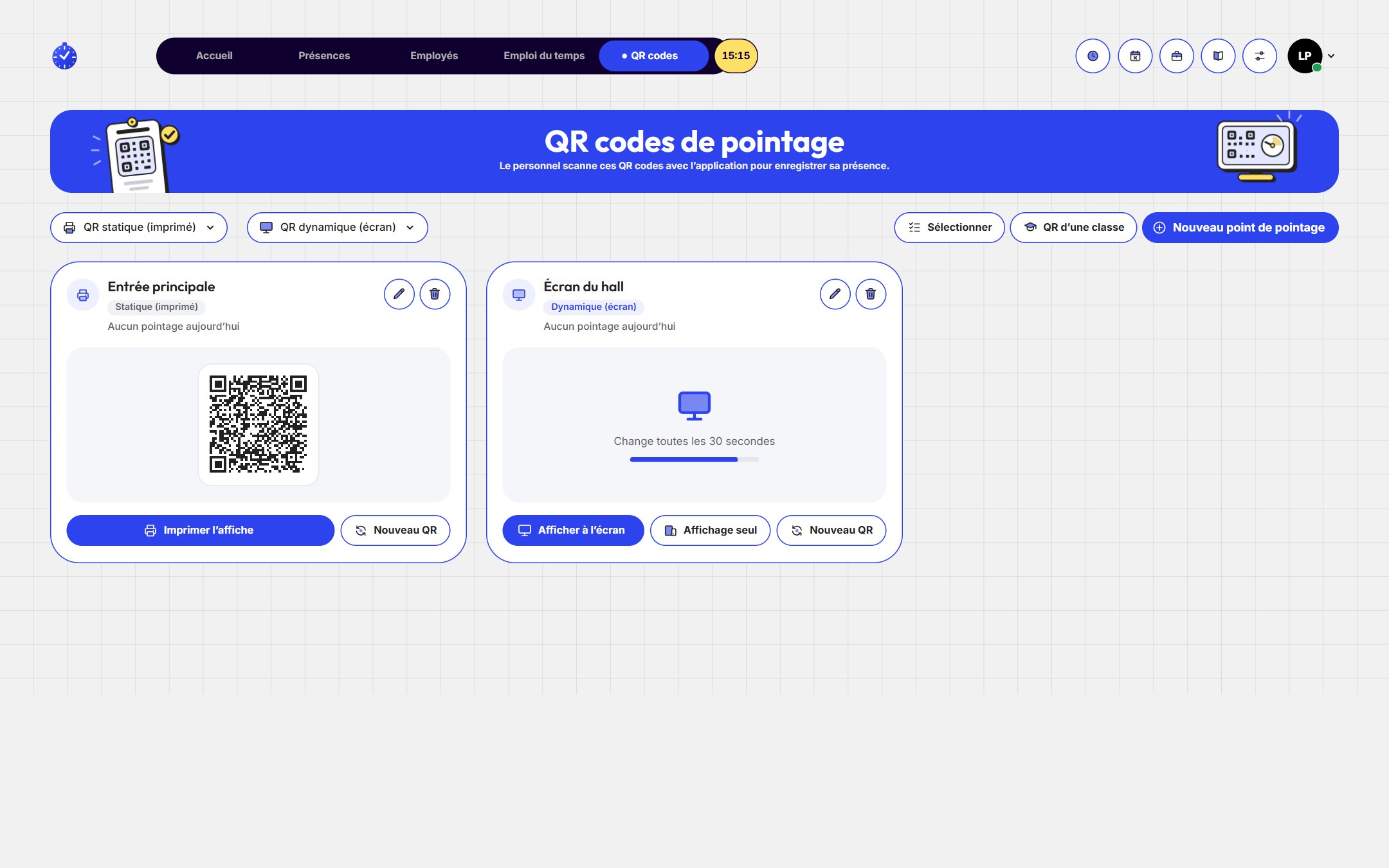
A poster or a screen at the entrance, one scan with the phone: the arrival is recorded.
One Technologie Éducation
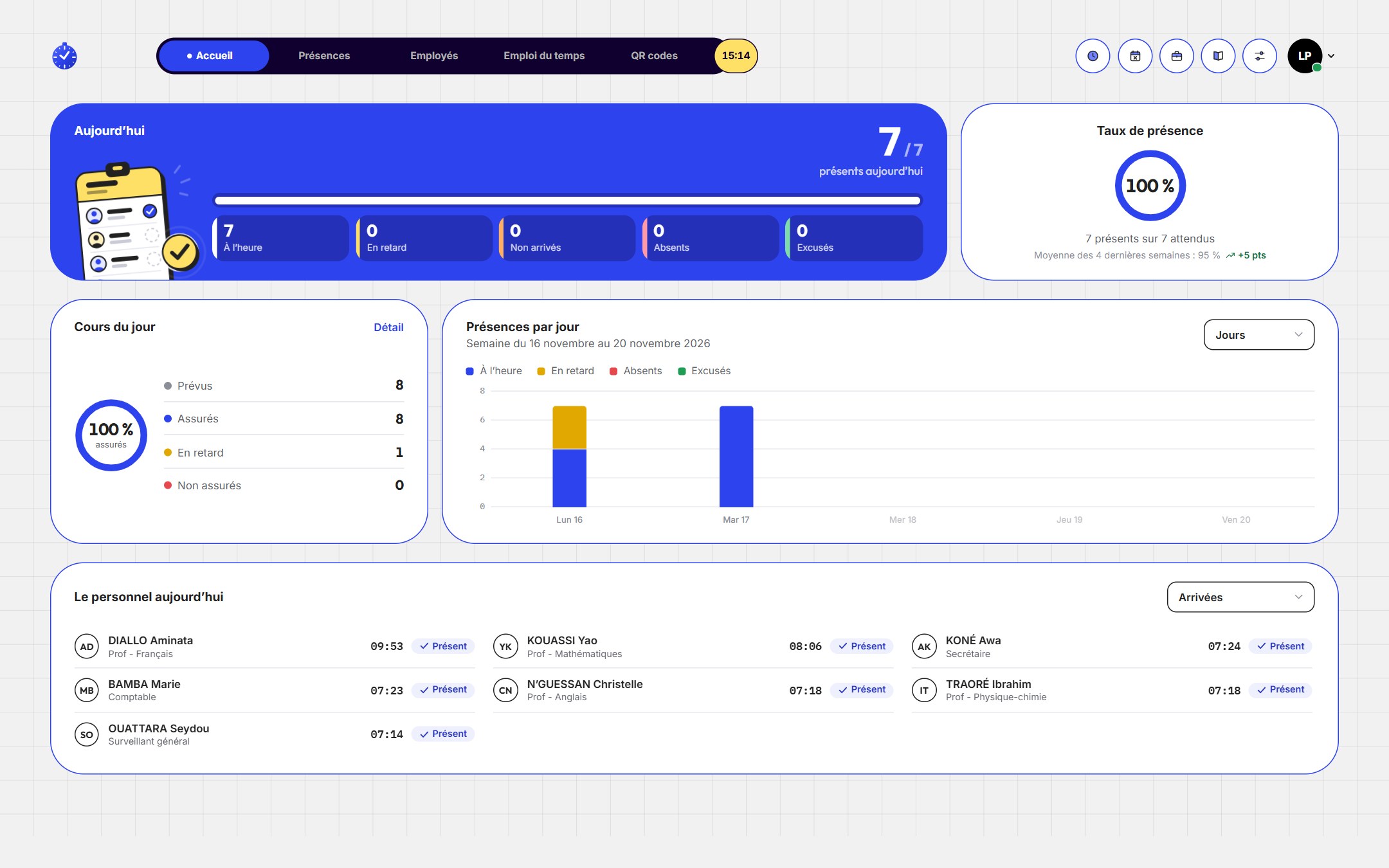
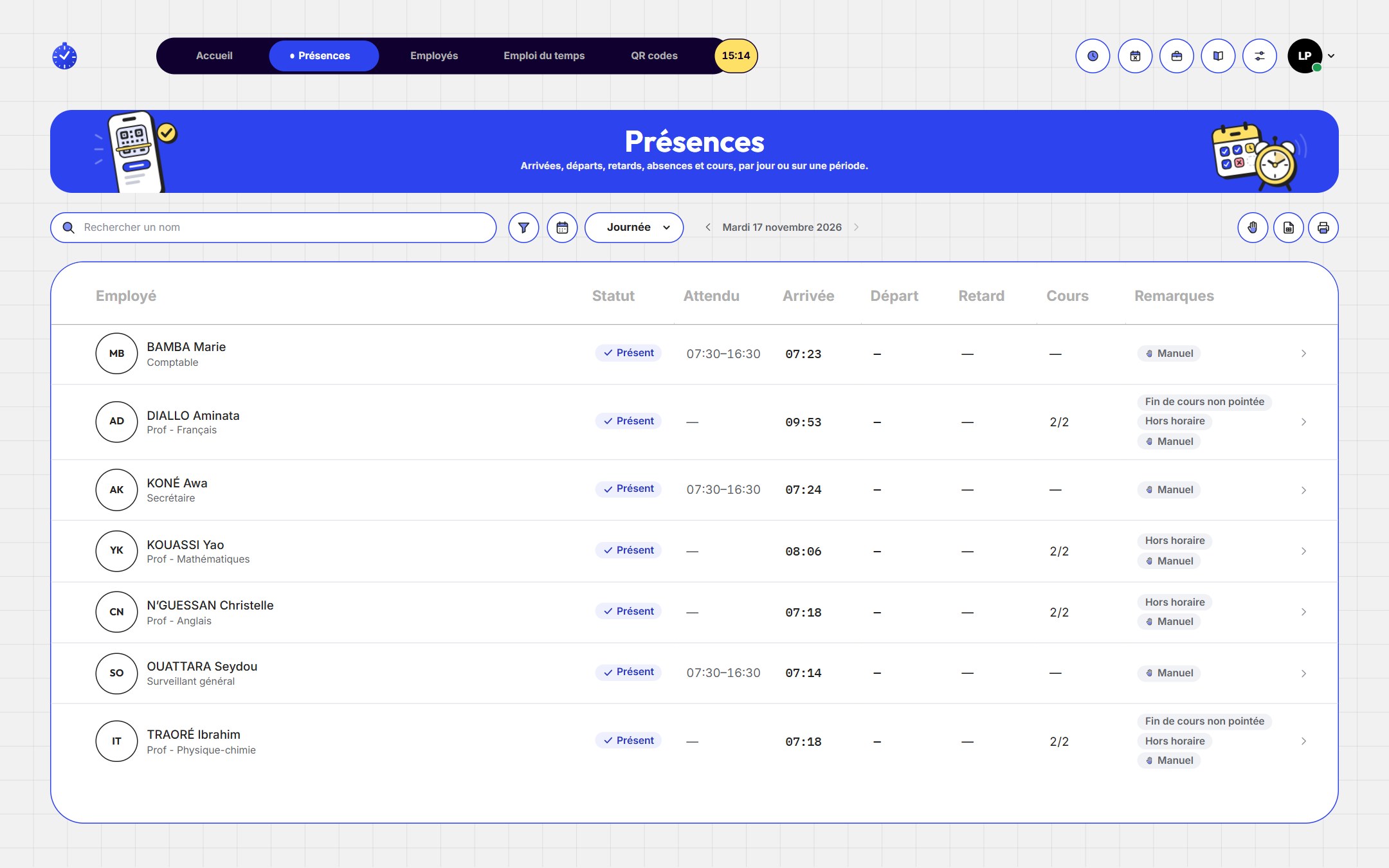
Teachers and staff check in by scanning a QR code with their phone. Management follows attendance, lateness and missed classes live.
In short
No more paper register. Each scan is checked, stamped with the official time and shown to management at once.
A poster or a screen at the entrance, one scan with the phone: the arrival is recorded.
Location checked, one phone per account: nobody checks in for a colleague.
Check-in follows the timetable. Lateness, early departures and classes not taught are counted automatically.
The software keeps working offline. Changes are sent as soon as the connection is back.
How it works
At the entrance, on a printed poster or on a screen.
They open the app and frame the QR code.
The right phone, on site, at the right time. The official time is used, not the phone’s.
The check-in appears on the software’s home page, with any lateness.
The software
Installed on Windows or opened in a browser. It offers each new version by itself.
Everything included
No options to buy one by one: every school gets all of it.
Record with photo, automatic staff number, list import, activation codes.
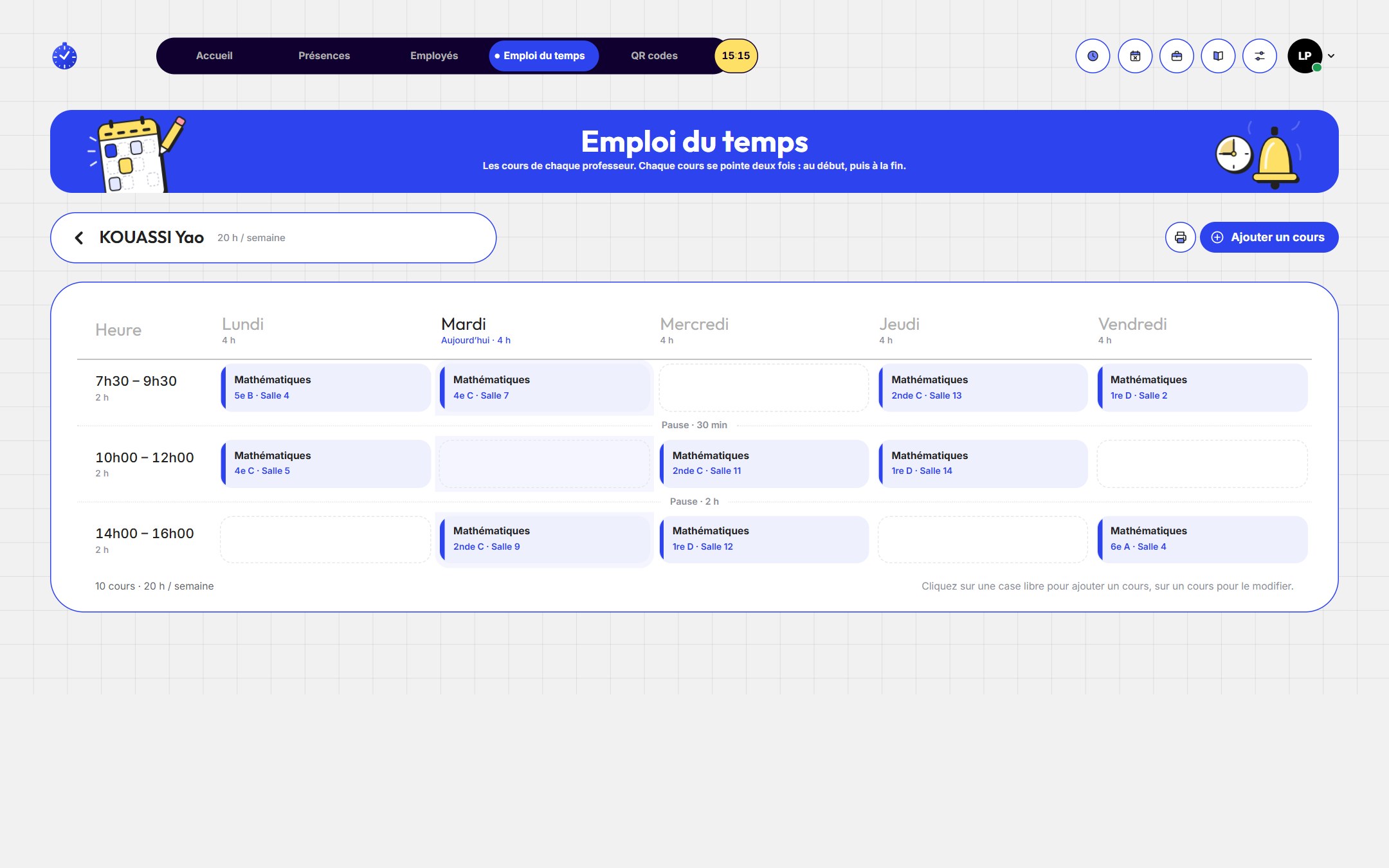
The school’s hours, a daily break and personal schedules.
Full or half day, no overlap, and each person’s yearly balance.
Côte d’Ivoire public holidays in one click, school holidays and a view of the whole year.
Classes created by level, from pre-school to final year; rooms numbered automatically.
Clean sheets, with your school’s name and logo.
Who did what, and when. Sensitive actions are flagged, nothing is erased.
One account per person, with editing rights or read-only.
A code sent by e-mail on a new device, and the list of connected devices.
A copy every day, online and on your computer, kept 30 days.
Every evening, an e-mail: absences, lateness, classes not taught.
A question, a problem, an idea: write to us from the software.
The app
It installs from the phone’s browser, on Android and iPhone alike, with no app store.
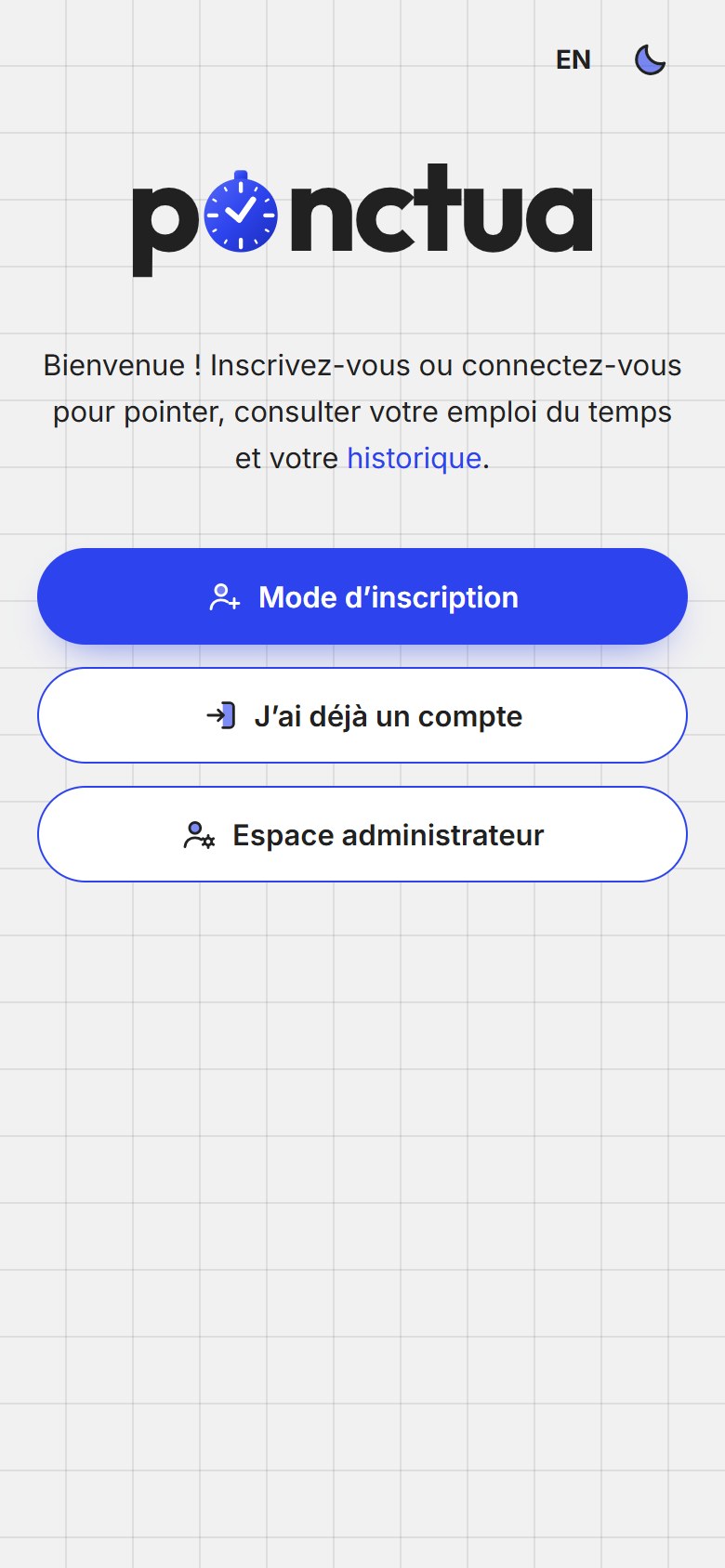
The school’s code, then a personal activation code.
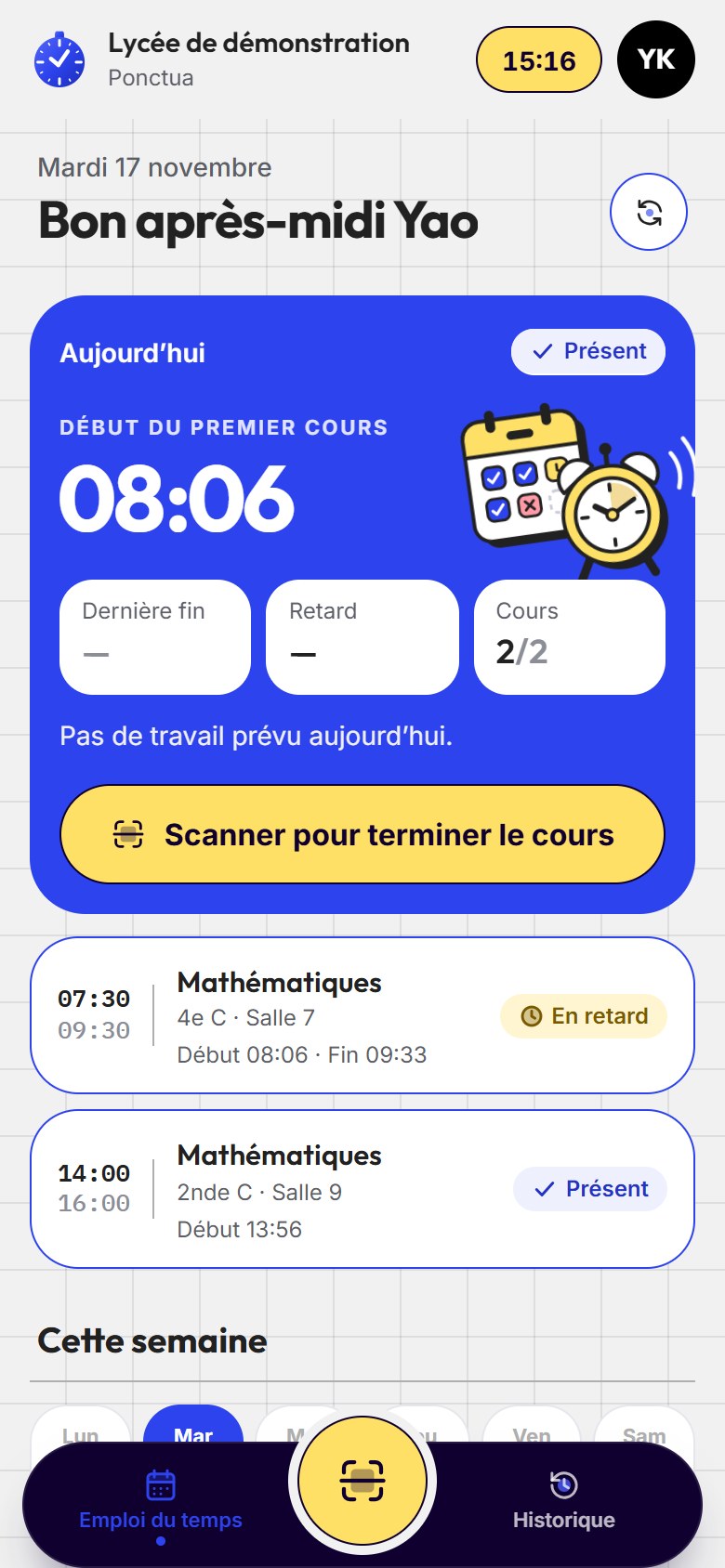
Today’s status, the next class and the timetable.
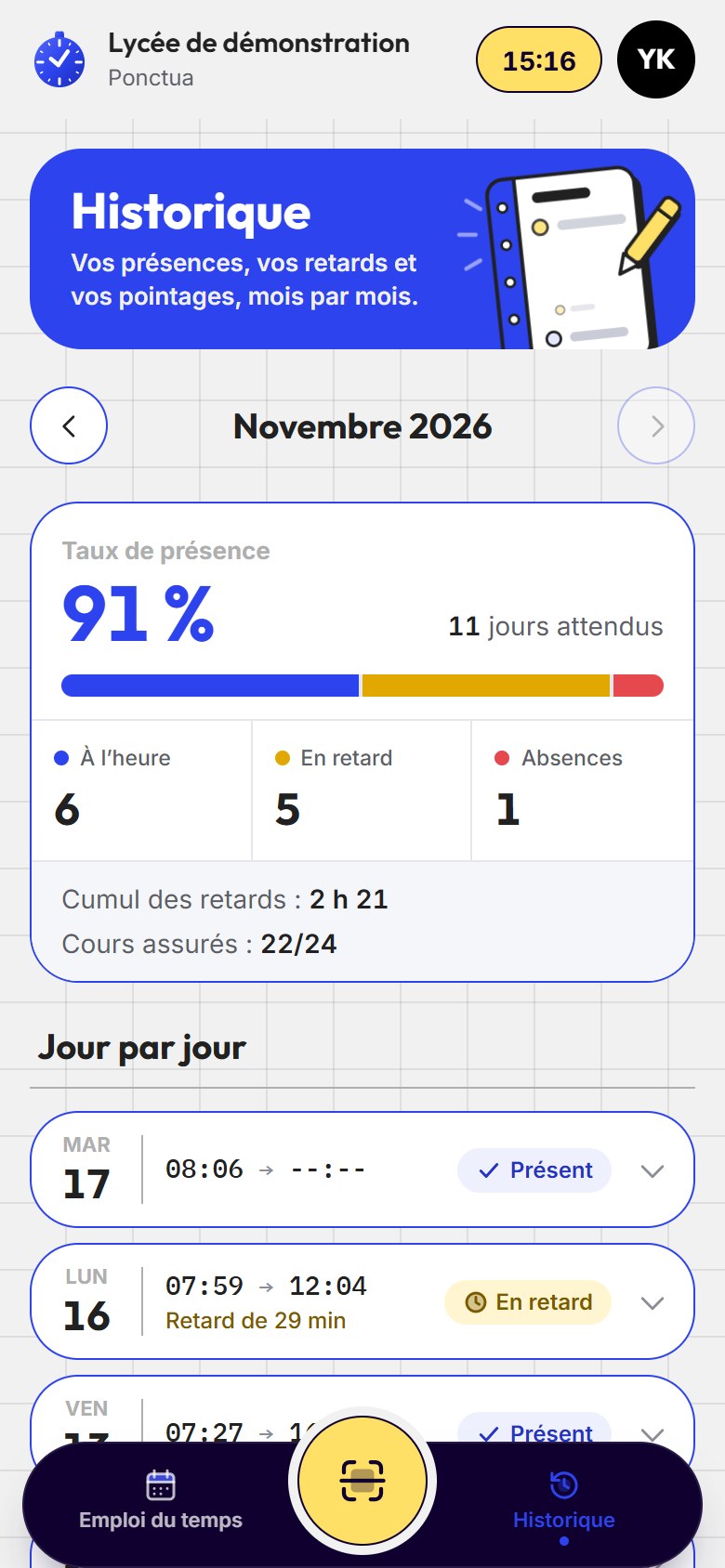
The month’s summary and every day’s detail.
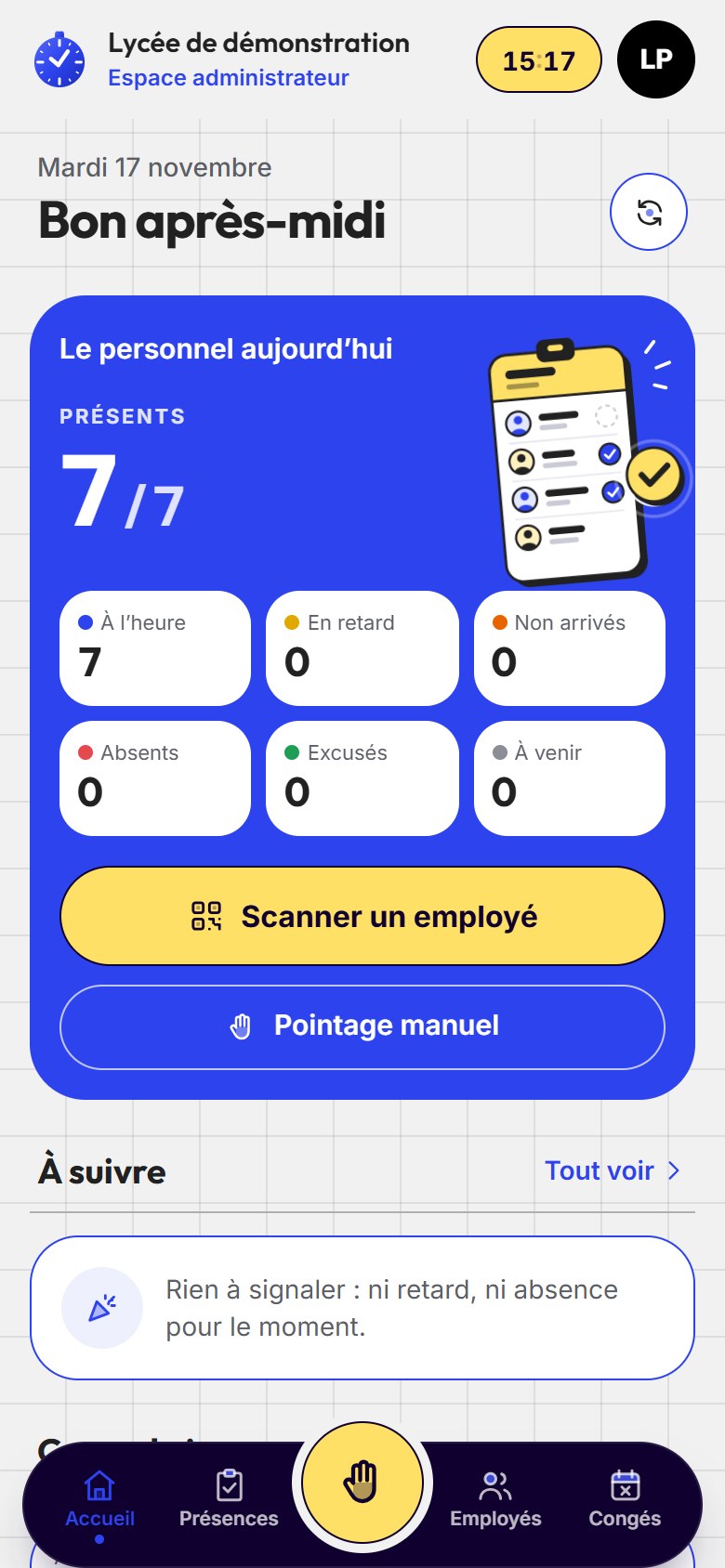
The head follows the day, scans an employee’s QR code and adds staff.
Coming next
Ponctua gains new features every week. Here is what is planned, with no date yet.
Ponctua is free for now. Download it, or ask us for a demo at your school.